


MRCC – MIDI Router Control Center
MRCC – MIDI Router Control Center
Dimensions: 15.5 x 3.5 x 1.9 in (39.4 x 8.9 x 4.8 cm) - 2U
Regular price
$439.00 USD
Regular price
Sale price
$439.00 USD
Quantity
Couldn't load pickup availability
NOTICE: IN STOCK - SHIPPING NOW
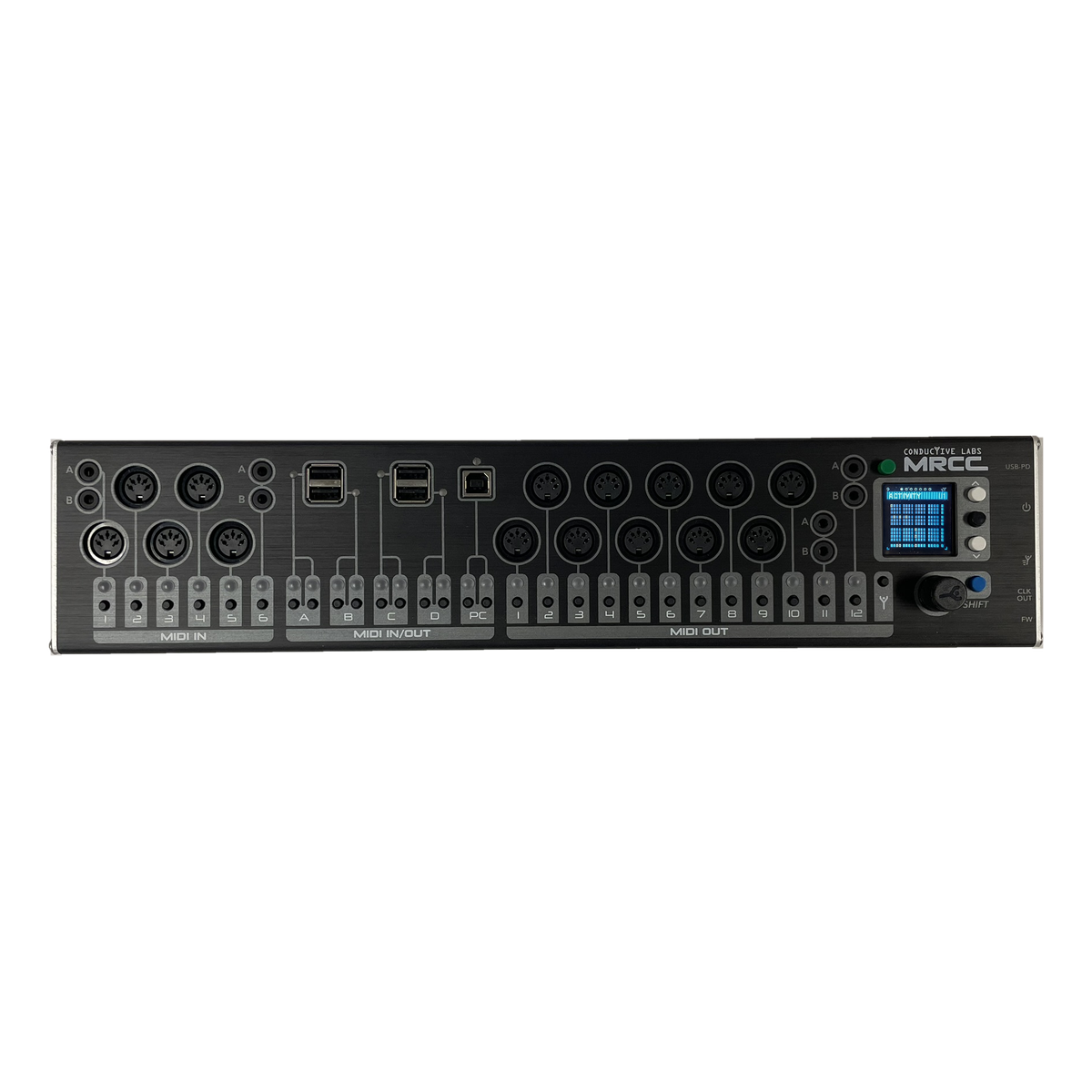
What makes MRCC so unique? Routing, filtering, MIDI monitoring, and more are at your fingertips without needing a computer application for configuration. It will change the way you approach MIDI workflow when changing which controllers or DAW track are sending to which synths; when it takes just a couple of button presses you don’t switch out of your creative space into IT mode. To quote our customers, it’s a game changer!
- Route any input to any output with one button press
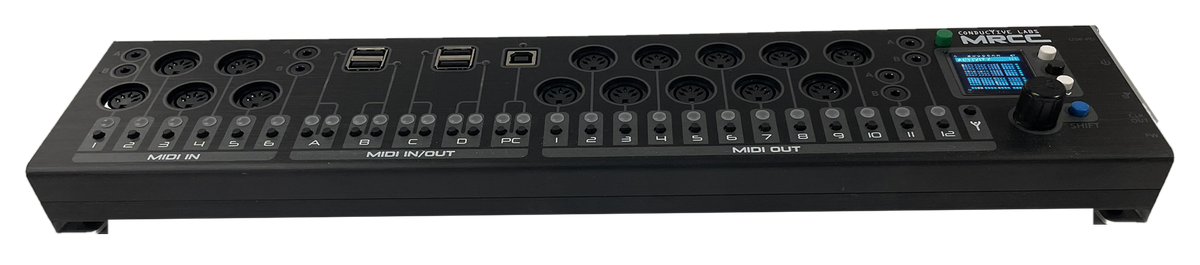
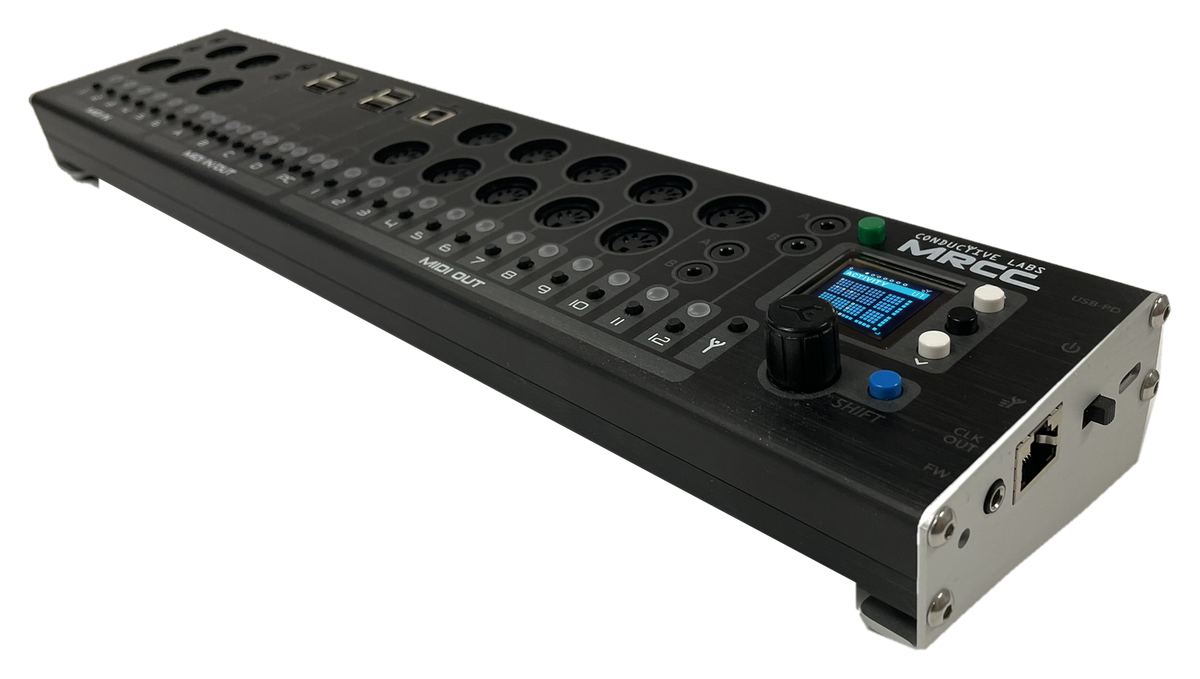
- Connect it all: 5-pin DIN, 3.5mm TRS & USB gear, 11 inputs & 17 outputs
- No computer needed: set up, save & recall right on the unit
- See your MIDI: color LEDs & OLED display show what is going where
- Top-facing jacks save desk space for more synths
- Rack mountable with the optional 2U Rack Ears
Documents & Firmware Downloads →
MRCC - USB Host Compatibility Tracker →

MRCC How-To Video Series
- #0 - Intro to MRCC Video Manual Series (1:27)
- #1 - Routing Gear w/ 5 pin DIN MIDI Cables (1:22)
- #2 - Routing Gear w/ USB MIDI Cables (2:08)
- #3 - Routing Gear w/ both 5 pin DIN & USB MIDI Cables (2:32)
- #4 - Routing The NDLR w/ USB "Virtual" MIDI Cables (3:50)
- #5 - Controlling Soft Synths on the PC using "Virtual" USB MIDI Cables (5:20)
- #6 - Controlling Soft Synths on the PC using "Virtual" USB MIDI Cables - Multiple Controllers (5:04)
- #7 - Overview of the Menu options (6:25)
- #8 - The Activity Screen is an "At a Glance" Routing overview (6:36)
- #9 - Using the Routing Page for Filters, Modifiers and MIDI Monitoring (5:44)
- #10 - Using Port Filtering for In- or Out-bound MIDI messages (3:37)
- #11 - Using the Channel Mapping Modifier in a MIDI Routing (4:04)
- #12 - Using the Velocity Scaling Modifier in a MIDI Routing (4:41)
- #13 - Using the CC Mapping & Scaling Modifier in a MIDI Routing (5:45)
- #14 - Using the Splits & Layers Modifier in a MIDI Routing (7:04)
- #15 - Using the Note Alter & Note Map Modifiers in a MIDI Routing (4:33)
- #16 - Using the Transpose Modifier in a MIDI Routing (3:43)
- #17 - Using the built-in MIDI clock (7:36)
- #18 - Using the built-in ARPeggiator (5:08)
- #19 - How to Save & Load Presets (3:01)
- #20 - Learn how to Assign descriptive Labels to your ports (3:49)
- #21 - Learn how to Edit the Label list to describe your devices (4:25)
- #22 - The MIDI Monitor lists messages, great for deciphering your controller's output! (5:01)
- #23 - The Play-Notes Tool automates discovering MIDI devices connected in your studio. (1:34)
- #24 - Gear Search enables you to send a MIDI note to any port on any channel. (2:25)
- #25 - Power, Sleep, and NEW Screen Saver modes described. (3:31)
- #26 - RGB LED Light Show settings; animated and colorful, but informative too! (1:47)
Add-ons
-
MRCC 2U Rack Ears
Regular price $30.00 USDRegular price -
MRCC Remote 7
Regular price $54.00 USDRegular price -
MRCC XpandR
Regular price $79.00 USDRegular price


